
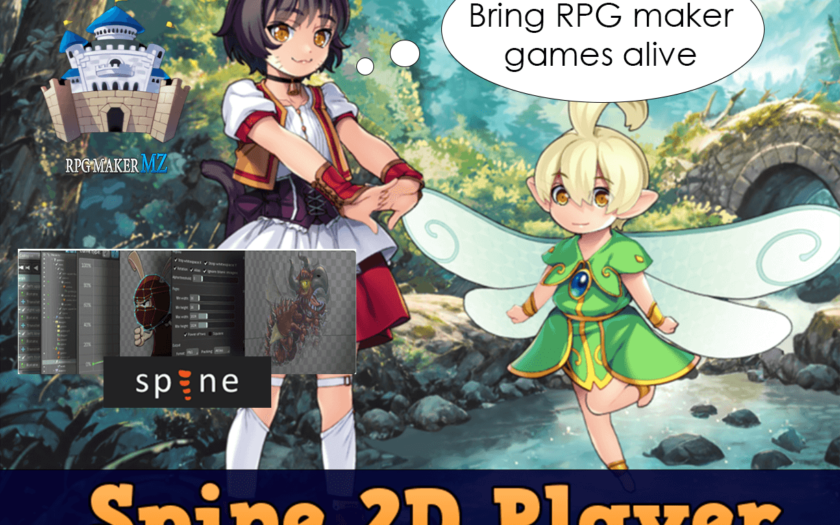
Seamless Spine 2D animation integration for RPG Maker MZ.
✨ Features
- Simple script-based control with clean and flexible API.
- Play, queue, and mix multiple animations in real time.
- Multi-track animation support (e.g. run + shoot simultaneously).
- Full runtime control: position, scale, fade, shake, and time scale.
- Dynamic skin switching and runtime skin building.
- Slot attachment control for weapons, props, and equipment.
- Layer binding to screen, map, pictures, and UI with Z-order control.
- Built-in animation events (start, complete, end, custom Spine events).
- Easy chaining system for fast and readable animation logic.
- Dialogue integration with auto talk/idle animations.
- Speaker highlighting during messages for cinematic conversations.
- Wait-for-animation support inside RPG Maker events.
- Optimized workflow using standard Spine JSON + Atlas exports.
| ⚙️ Compatibility | 🔠 Translation |
|---|---|
| RPG Maker MZ: ✔️ RPG Maker MV: ❌ |
English: 🇺🇸 ✔️ Russian: 🇷🇺 ✔️ Chinese: 🇨🇳 ✔️ |
💡 Versions and Download
| 🆓 Basic | 💎 PRO | |
|---|---|---|
| Features | Core functionality | Additional features |
| Download | 📥 Google Drive | 📅 Subscription: Patreon • Boosty 💰 One-time: Shop • Patreon Shop • Boosty Shop |
| License | CC 4.0 BY-SA-NC | CC 4.0 BY-SA |
| Commercial Use | ❌ | ✔️ |
🔍 PRO version can be used in both non-commercial and commercial projects, but only if legally acquired through the links above. Unauthorized use violates license terms and may result in legal action.
🧭 Support
If you have any questions or need assistance, feel free to reach out through the following channels:
📢 Discord