This page will tell you how to gain some performance when using AABS, so your game is more playable on most devices. This page was dedicated to those who have a problem when running AABS …
Continue reading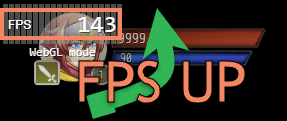

Plugins for RPG Maker MZ and MV
This page will tell you how to gain some performance when using AABS, so your game is more playable on most devices. This page was dedicated to those who have a problem when running AABS …
Continue reading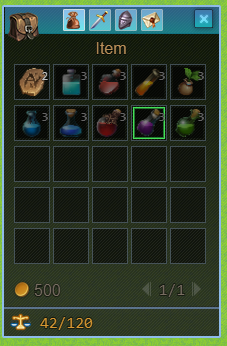
Images as items icons Put your image in imgpMapInventoryIcons folder, then add <iImg:NAME> to item Note Plugin parameter: Icons images in Windows? – allows using images in default RPG Maker windows * Images as icons …
Continue reading
New Skin for Map Inventory. In RPG Maker MZ style. For any version. Works on MZ and MV. No .json modifications, only new images How install: Just replace images. Download: Patreon post
Continue reading
Description: Absorb barriers images and settings for all default Elements (9) Contents: Settings (AbsorbBarriers.json) Elements icons images Source .PSD files How install: Just copy and replace files Download:[Patreon Post](https://www.patreon.com/posts/33966138)
Continue reading
My Supporter Elushis Music & Gaming made a game with Alpha ABS.
Continue reading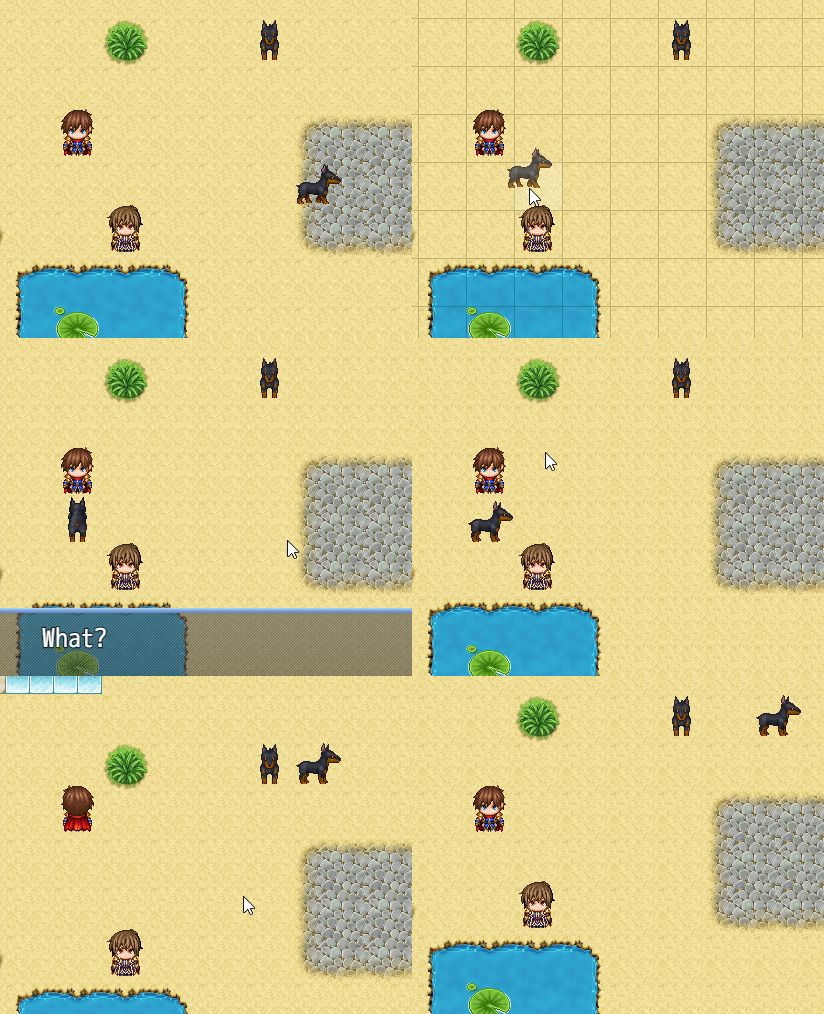
Setup parameters Go to the plugin parameters and set Event Drag Drop? to true Create draggable template in Draggable Templates plugin parameter Draggable template – it’s just rules and options set for dragging All settings …
Continue readingThis is my new site that should replace https://kagedesuworkshop.blogspot.com/
Continue reading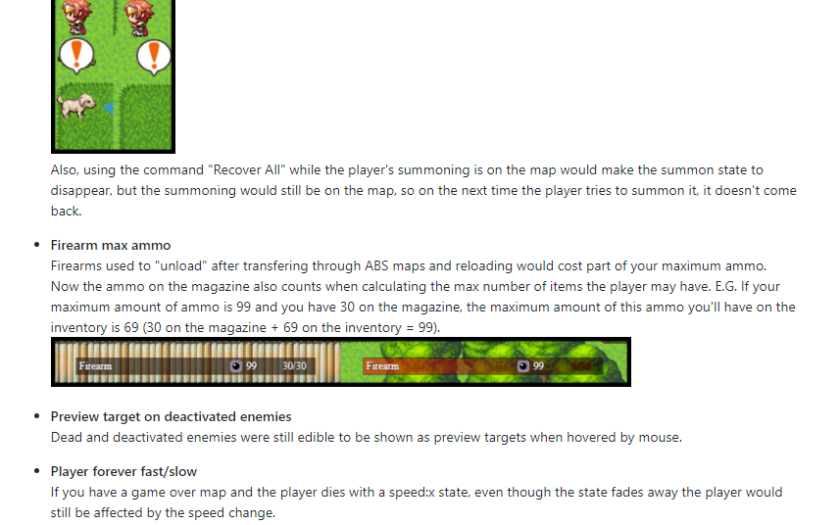
SMO_Valadorn made a bug fix pack focused on old builds (1128). But it may also fix bugs of recent builds. It’s will be really helpful if you using build 1128. Information and download: https://github.com/SMO-Valadorn/AABS-Mods/wiki/Bug-Fixing-Pack
Continue reading
Download
Continue reading
Download
Continue reading