⚠️ Only available in Map Inventory PRO ⚠️ Available since build 1.3 Item Weight System is a feature of Map Inventory that add a weight functionality to the item. This system will add a new …
Continue reading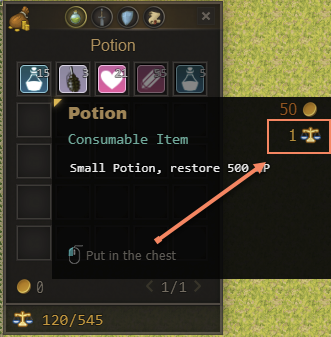

Plugins for RPG Maker MZ and MV
⚠️ Only available in Map Inventory PRO ⚠️ Available since build 1.3 Item Weight System is a feature of Map Inventory that add a weight functionality to the item. This system will add a new …
Continue reading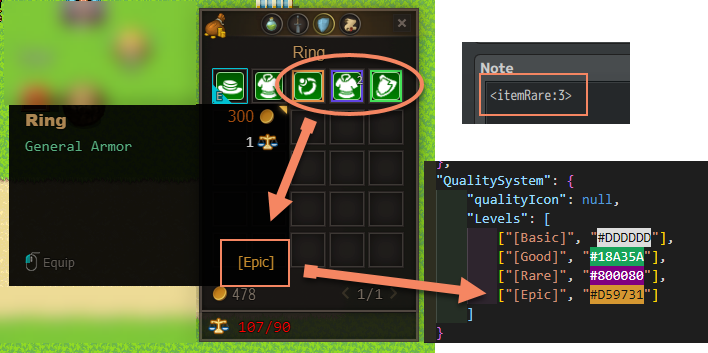
Item Quality System is a feature of Map Inventory that can differ the rarity of the item with a specific note tag by giving it a border that represents their rarity. To activate the item …
Continue reading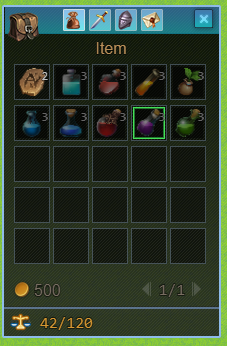
⚠️ Only available in Map Inventory PRO ⚠️ Only available in build 1.7 and higher In build 1.7 there’s a feature that allows you to use an image as an icon for Map Inventory. You …
Continue reading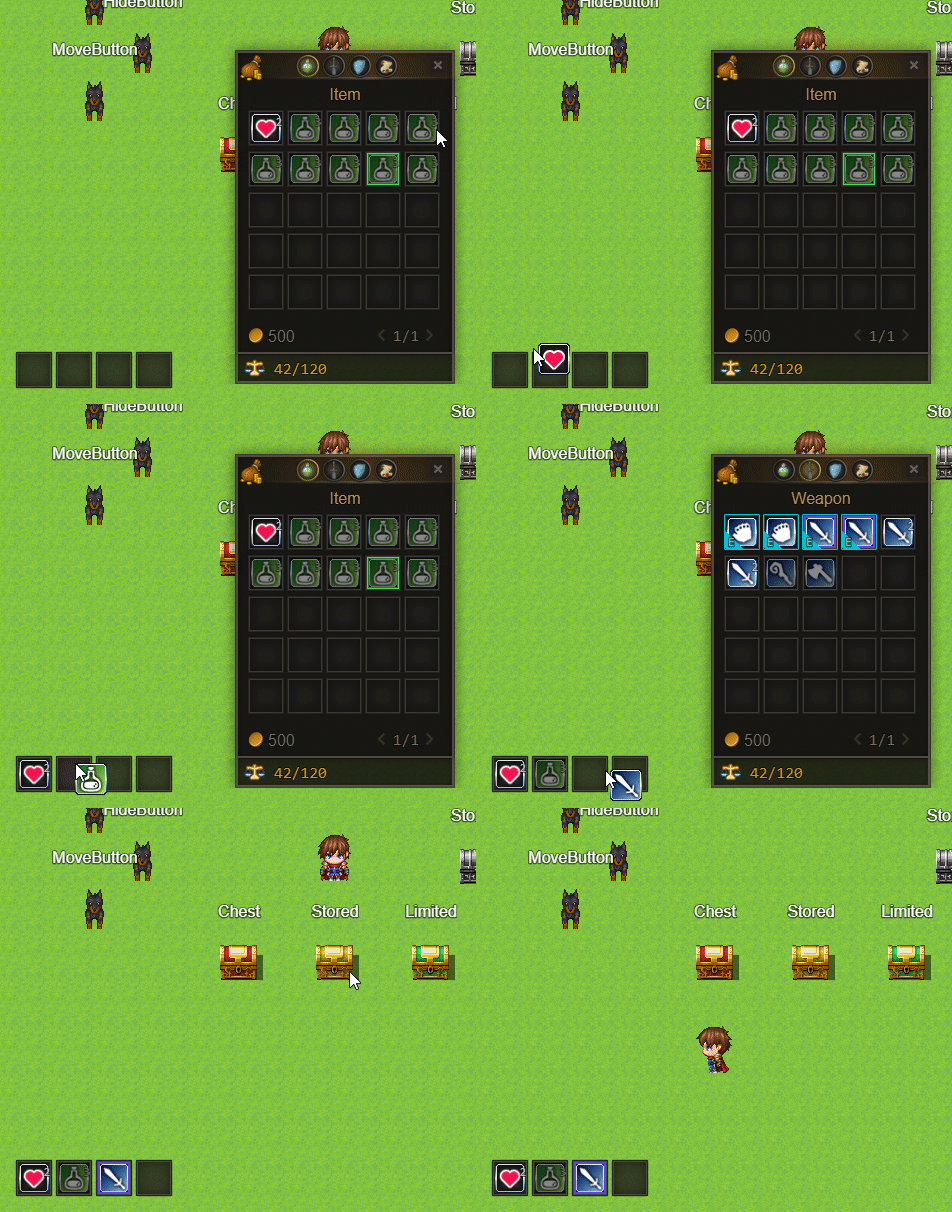
⚠️ Only available in Map Inventory PRO ⚠️ Available since build 1.6 Hot Bar is a bar that mainly functioned as a shortcut to quickly access/use important items. To assign an item to the hot …
Continue reading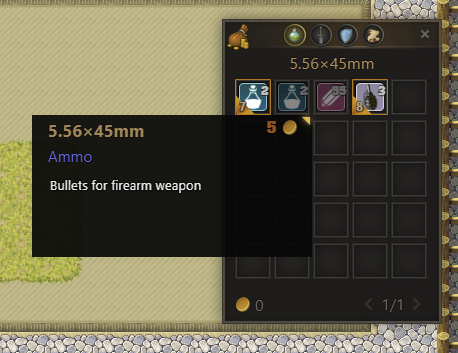
By default, Map Inventory categorizes item types by default RPG Maker item types. But you can customize the item types by using <aItemType: TYPE>` and `<aItemTypeColor: COLOR> (Color in Hexadecimal format) For Example: Author: Zekkent
Continue reading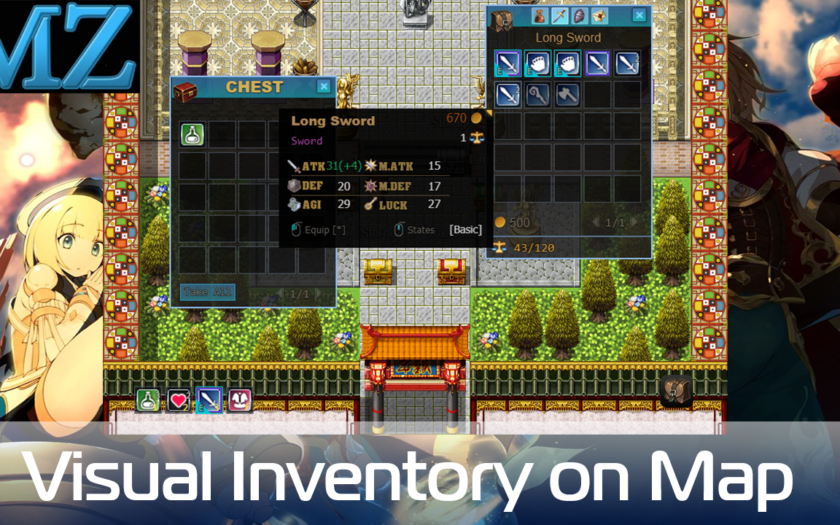
Map Inventory is a plugin that adds a new interactive inventory that has a grid and shows an icon into the RPG Maker MV and MZ. This plugin is a separate feature from Alpha ABS …
Continue reading
Simple mobile controls: joystick or DPad and custom buttons Features: Joystick or DPad movement control 8 – way diagonal movement (optional) You can create screen buttons (starts common events or script calls) Manage all controls …
Continue reading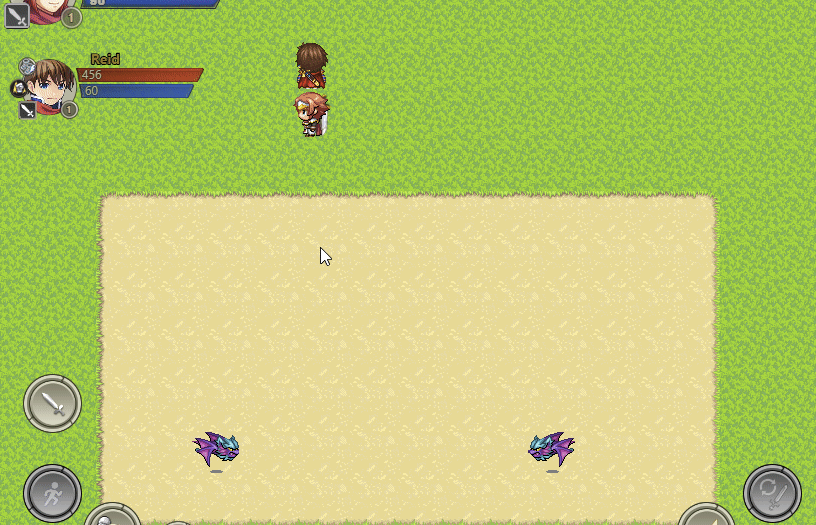
Summary New Animation system : AnimaX * in preview state – not all features done yet For the first time, I showed this animation system in this post. It was developed for ABS Z, but …
Continue reading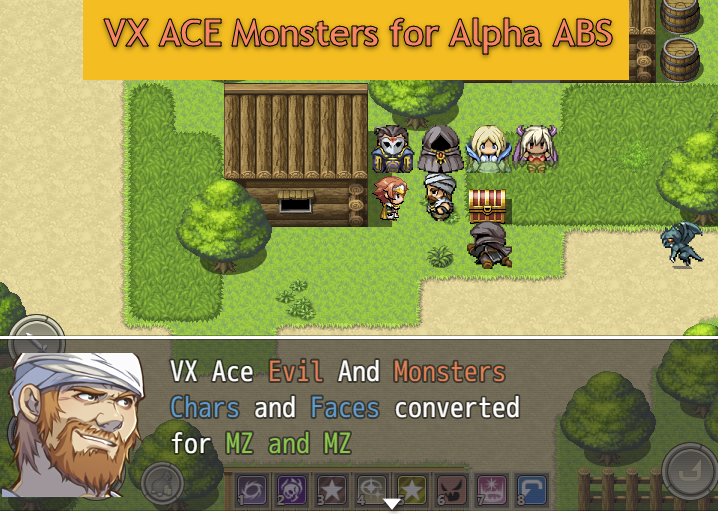
Alpha ABS requires characters graphics for enemies on the map. But MV only have one set of Monster characters. I decided to convert (with good quality) monster sets from VX Ace so that You can …
Continue reading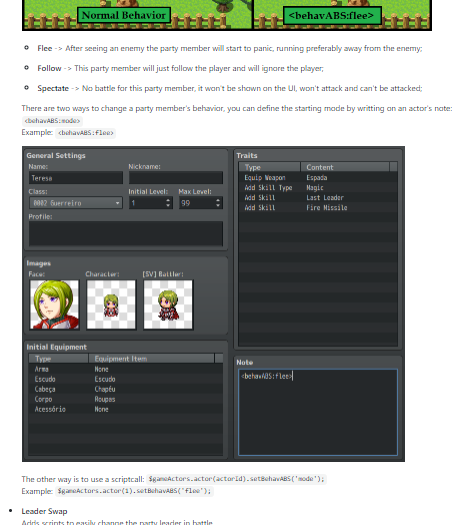
SMO_Valadorn made a Party Plus plugin that added new (and very useful) features for the party members Information: https://github.com/SMO-Valadorn/AABS-Mods/wiki/Party-Plus Download: https://jino.cloud/s/XwYai5GKDCBS7Sb
Continue reading